For equipment manufacturers
Work and learn
right at the
equipment.
Your customers' staff install, learn and use the equipment you ship, guided step by step on a phone.
Book a demo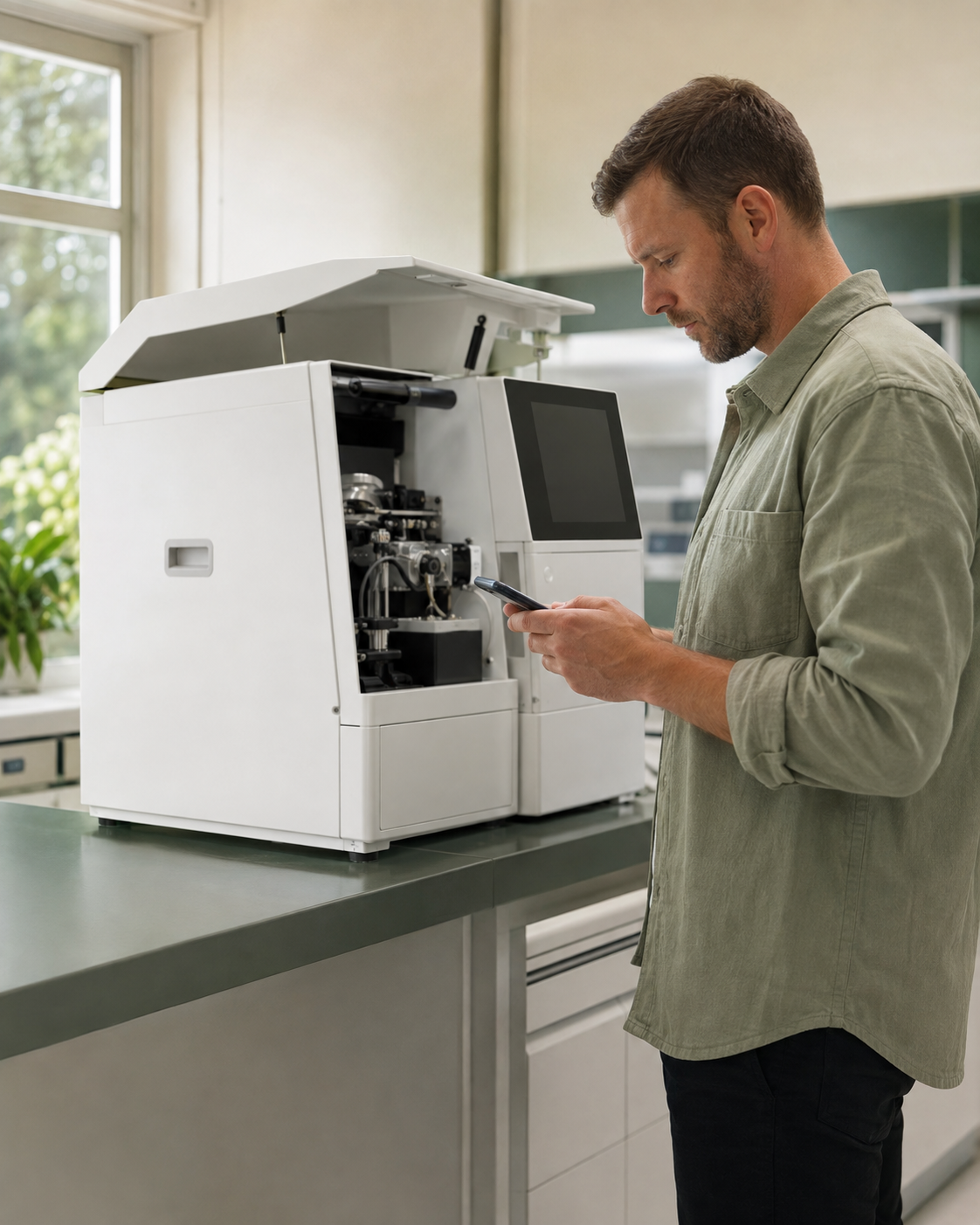
After the sale
Installation ends.
Your cost doesn't.
-
Support cost grows with
every unit shipped -
Problems reach you late,
as tickets -
Training ends before
the first task
Intur at a glance.
- Who uses it
- People who install, use and maintain your equipment.
- At the equipment
- Photo, video and step-by-step guides
- Analytics
- What confuses people, back to you
- Start small
- 90 days · one device family · 2-3 sites
Equipment support
Intur. Answers your users can trust.
AI answers based on your equipment documentation, with links to the original instructions.
 INTUR
INTUREquipment assistant
Where can I find the daily preparation guide?
It's in Daily preparation. Open the guide for the illustrated steps and video walkthrough.
Based on your team's content
View original instructionDaily preparationGuide · illustrated steps & video
SAMPLE GUIDE
Before you start
Watch the demonstration, then follow the preparation checklist.
In Intur, this opens the original content your team published.
Guides available offline
Previously loaded guides stay available. AI needs a connection.
In your users' languages
Choose and review the translations for each device family.
Install → Accept → Learn → Use → Improve
One journey, from installation
to everyday use.

-
01 Install
Checklist, photo evidence.
-
02 Accept
Sign-off, handover record.
-
03 Learn
Practice with photos, video and visual guides.
-
04 Use
Help users resolve questions as they work.
-
05 Improve
Improve guidance where users get stuck.
Usage analytics
See it before it
becomes a ticket.
See where people get stuck and what they ask. Give your team a clear place to start improving the guidance.
YOUR INSTALLED EQUIPMENT
Usage overview
- 128
- Device scansDevice scans across 3 sites
- 3
- Sites using Intur
- 24
- AI questions declined
Where people get stuck
| Task / question | Signal | Sites |
|---|---|---|
| Calibration guide | Marked unclear | 3 sites |
| Practice: daily preparation | Left unfinished | 2 sites |
| Error code lookup | Asked repeatedly | 3 sites |
Unclear steps over time
Example trend · calibration guide

Fictional sample data. Repeated questions are shown when query analytics is enabled.
Find the difficult steps
See unclear instructions and unfinished practice tasks.
Fill the gaps in your content
Use repeated questions to decide what to explain next.
Questions
Questions
we hear first.
Short answers; the rest on the demo.
Is this an LMS or a document portal?
Intur brings learning and guidance to the equipment itself. Reuse your manuals and courses as tasks with photos, video and instructions, plus an AI assistant for questions during the work.
How can users check an AI answer?
Answers link to the source content so users can check the original. Intur checks citations and can decline questions without enough supporting material. AI can still make mistakes; your published instructions remain the reference.
Do we have to create everything from scratch?
No. Start with your PDFs, manuals, SCORM courses and media. Your team can adapt them in Intur, or we can help prepare the content with you.
For medical equipment, does this change our labeling or classification?
It links to your own documents and never replaces them. What that means for your labeling and classification depends on intended use; we go through it with your regulatory team before the pilot.
See it on your device family
Start with
a demo.
See how Intur could support your equipment users. A 20-minute walkthrough, then a 90-day pilot on one device family at two or three sites.